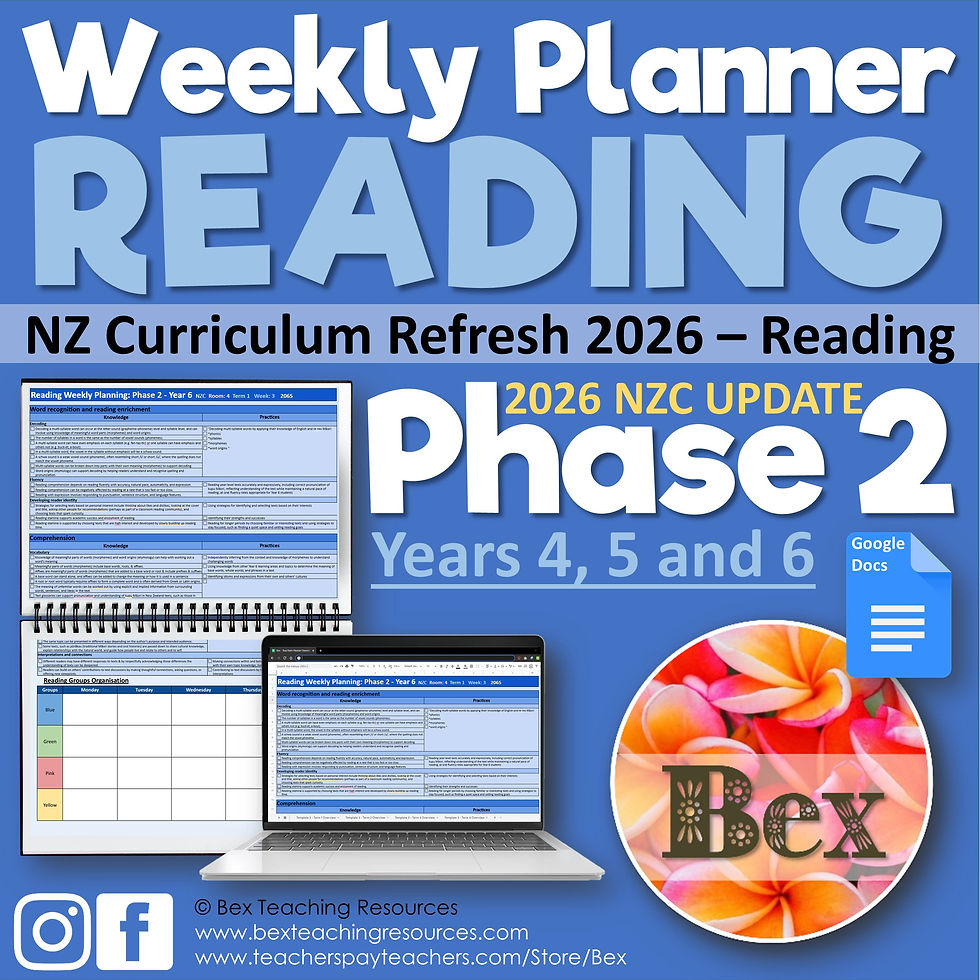
This planner has been made/updated with the New Zealand Curriculum Refresh 2025/2026. Phase 3, Year 7 and 8
Please Note – Each year group is on a separate planning sheet.
Our planners are great to work on digitally in Google Docs or MS Word. Take advantage of the easy-to-use tick boxes to highlight your curriculum learning intentions. Add your group lessons by typing in the boxes, and adding links or task board activities.
If you love using pen and paper you can also print these and bind them into your own planning folder. Scroll down to download a free blank week planner template.
Key features
Tick boxes.
Tick a box and it will automatically strike out the corresponding learning intention. You can also use the highlighter.
Groups
Groups are easy to change & add too. If you are adding more groups, then you may run into another page.
Page Colour
If you don’t want the pink page background or want another colour, click on “FILE” then “PAGE SETUP”. Click on the “PAGE COLOUR” drop-down. Choose white or any other colour you like. You can also find these in the Right Click menu.
Fully customisable
This document is fully customisable, but please do leave the © Bex Teaching Resources in the footer.
Ready to Go!!!
What has been updated in the 2026 Version?
- We have totally remade this planner to fit the new 2205/2026 NZC Curriculum Refresh. It includes the new Knowledge and Practice areas.
- Please note: Due to the more than doubling of the amount of content, we have had to split the maths into three separate week plans.
***Number Knowledge & Algebra, Measurement & Geometry and Statistics and Probability*** - We have provided a “single document version” and separated “three document versions.”
- Unfortunately, there is not much we can do about this. We have reduced the font and formatting as much as possible.
- You are welcome to make your own changes to suit.